Lenovo Laptop Service Center in Jaipur

Your Trusted Hub for Rapid Out-of-Warranty Lenovo Notebook Solutions in Pink City

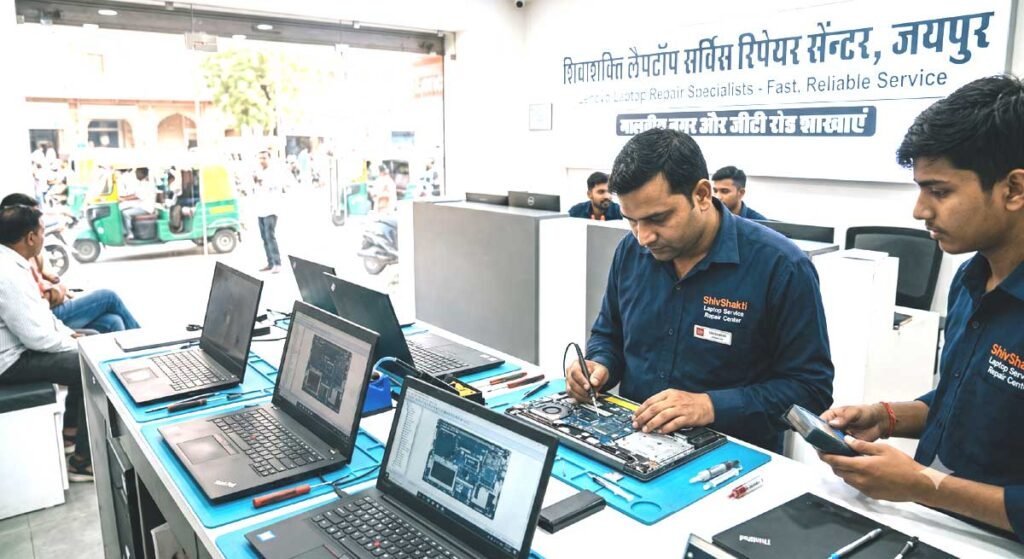
When your computer stutters right before a critical university submission, a business presentation, or an online meeting, waiting weeks for a turn-around is simply not an option. ShivShakti Laptop Service Repair Center stands as Jaipur’s premier independent technical lab specializing in comprehensive diagnostics, component-level restoration, and genuine hardware replacements for all Lenovo portable computers.

Table of Contents

if you are searching for Lenovo laptop service center in Jaipur Located prominently at Crystal Court Mall on Jawahar Lal Nehru (JLN) Marg—just a short distance from Gaurav Tower (GT), Apex Circle, and Jawahar Circle—our state-of-the-art facility brings expert engineering within easy reach of students, working professionals, and commercial enterprises across Jaipur.

Why Choose ShivShakti Laptop Service Repair Center in Malviya Nagar?

Navigating laptop failures can be frustrating. Between unhelpful automated hotlines and inflated corporate estimates, finding reliable local technical support often feels overwhelming. We have structured our workflow around total transparency, speed, and engineering precision.

+-----------------------------------------------------------------------+
|                 SHIVSHAKTI REPAIR CENTER AT A GLANCE                 |
+-----------------------------------------------------------------------+
|  Location      : 191, Jaipur Stock Exchange, Crystal Court Mall,      |
|                  Malviya Nagar, JLN Marg, Jaipur, Rajasthan 302017    |
|  Landmarks     : Opposite GT Tower, Near Apex Circle & Jawahar Circle |
|  Operating Hrs : Monday to Saturday: 10:00 AM – 8:00 PM (Sun Closed)  |
|  Specialty     : Chip-Level Motherboard Repair, Screen/Battery Care   |
+-----------------------------------------------------------------------+

The Independent Advantage for Out-of-Warranty Hardware

When your manufacturer warranty expires, official service channels frequently default to expensive motherboard swaps or total unit replacements for minor faults. Our workshop emphasizes micro-soldering and true component-level repair. If a single capacitor, power IC, or MOSFET fails on your system board, we replace that specific component—saving you up to 70% compared to full system board replacement costs.

Comprehensive Diagnostic & Engineering Capabilities

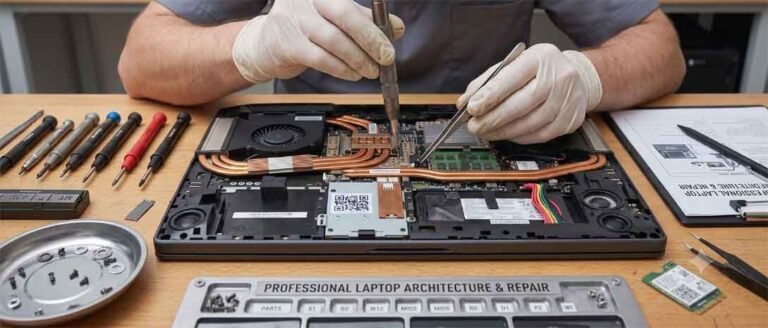
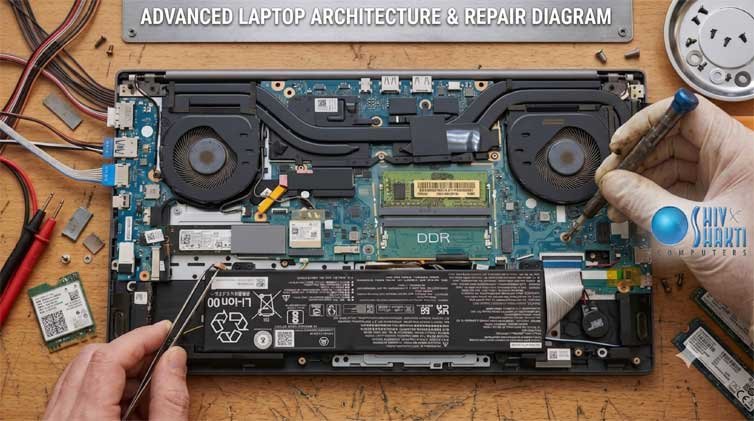
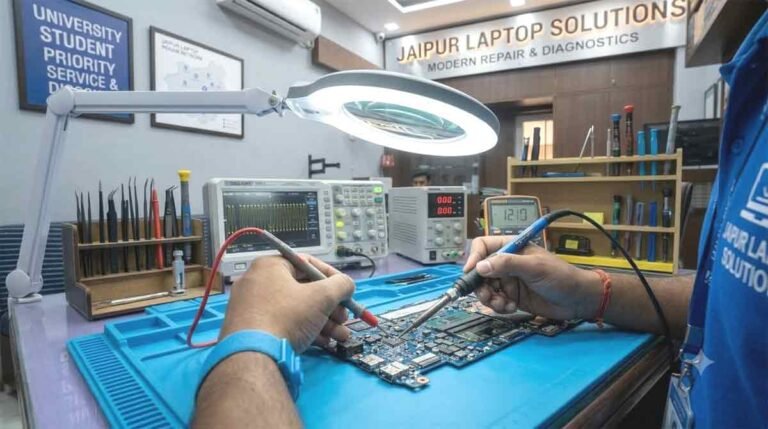
Our workshop is equipped with advanced Oscilloscopes, DC Power Supply Units, BGA Rework Stations, and thermal imaging tools designed to diagnose deep circuit failures on modern high-density motherboards.

                 +-----------------------------------+
                 |    Initial Express Assessment     |
                 +-----------------+-----------------+
                                   |
                                   v
                 +-----------------------------------+
                 |  Thermal Imaging & Voltage Checks |
                 +-----------------+-----------------+
                                   |
                                   v
                 +-----------------------------------+
                 | Precision Micro-Soldering / Parts |
                 +-----------------+-----------------+
                                   |
                                   v
                 +-----------------------------------+
                 |   48-Hour Burn-In Stress Test     |
                 +-----------------------------------+

1. Chip-Level Motherboard Restoration

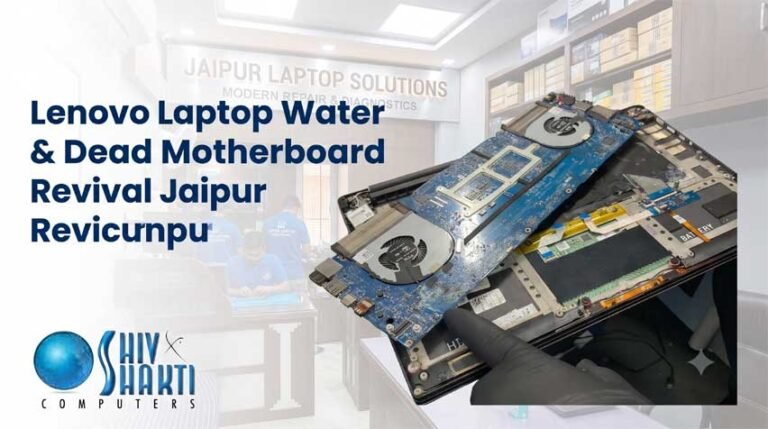
Complex issues like sudden power death, short circuits from liquid spills, or corrupted EC firmware require specialized bench equipment.

  • Power Railway Diagnostics: We trace 19V primary rails, 3.3V/5V standby circuits, and CPU VCORE power lines to isolate shorted capacitors or burnt MOSFETs.

  • BGA Reballing & Reflow: Dedicated gaming systems (such as Legion or LOQ) suffering from GPU artifacting or intermittent boot loops undergo specialized BGA chip reballing with precision stencils.

  • Embedded Controller (EC) Programming: Resolving bricked BIOS chips and corrupted Super I/O controllers using specialized SPI programmers.

2. Premium Display & Hinge Reconstruction

Display problems range from physical glass cracks to flickering backlights caused by worn eDP ribbon cables.

  • High-Refresh Rate & OLED Replacements: We stock original 60Hz, 120Hz, 144Hz, and 165Hz panel options for IdeaPad Slim, ThinkPad, and Legion models.

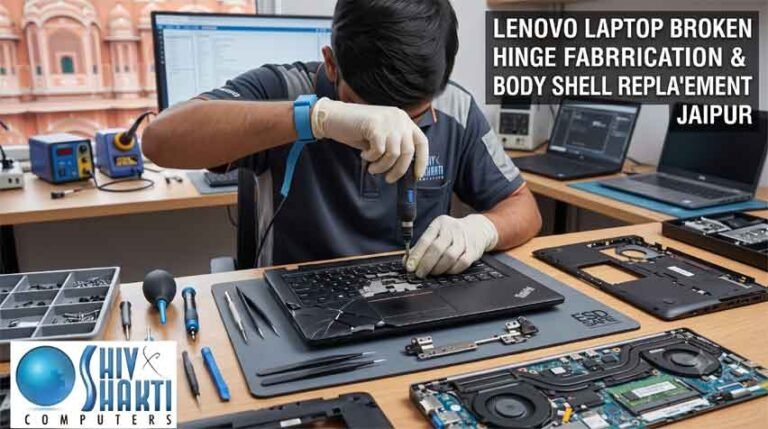
  • Structural Hinge & Top Cover Repair: Modern thin-and-light chassis often experience brass nut housing pull-outs from the plastic or aluminum top lid. Instead of forcing you to purchase a costly brand-new chassis assembly, our technicians reinforce the anchor points using industrial steel-epoxy bonding and adjust hinge torque to prevent future stress fractures.

3. Battery, Charging Port & Power Architecture Repairs

Is your device refusing to hold a charge or only turning on when the power jack is held at a specific angle?

  • If you are struggling with a persistent Lenovo laptop plugged in not charging fix, our specialists perform a complete trace of the charging IC (such as BQ series chips), inspect the current-sense resistors, and verify SMBus communication between the battery management system (BMS) and the motherboard.

  • Type-C Power Delivery (PD) & DC-In Jack Replacement: Damaged USB-C ports or cracked DC jacks are cleanly desoldered and replaced with heavy-duty OEM connectors.

4. Thermal Management & Performance Restoration

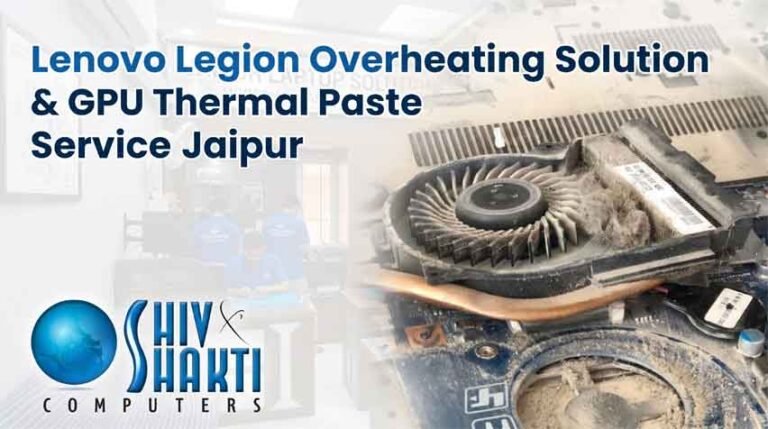
Overheating causes severe CPU/GPU thermal throttling, fan noise, and random shutdowns under load.

  • Dust Clearance & Thermal Repasting: Complete heatsink disassembly, fin stack cleaning, and application of high-viscosity phase-change thermal pads or premium thermal compounds (such as Honeywell PTM7950 / Arctic MX-6).

  • Fan Replacement: Resolving grinding, buzzing, or non-spinning cooling fans with direct-fit hydraulic bearing units.

Detailed Model Series We Support

Our engineering team works on the complete spectrum of portable Lenovo systems:

+------------------+----------------------------------------------------+
| LENOVO SERIES    | COMMON SERVICES PERFORMED                          |
+------------------+----------------------------------------------------+
| ThinkPad         | Keyboard replacement, BIOS lock removal, Type-C port |
| IdeaPad Slim     | Hinge rebuilds, FHD screen swaps, SSD speed boosts|
| Yoga Convertible | 360-degree hinge alignment, Touch digitizer repair |
| Legion / LOQ     | Thermal repasting, GPU reballing, High-Hz screens  |
| ThinkBook        | Water damage cleanup, battery swaps, OS recovery   |
+------------------+----------------------------------------------------+

ThinkPad Series (X1 Carbon, T-Series, L-Series, E-Series, P-Series)

Built for enterprise durability, ThinkPads are legendary workhorses. However, heavy daily travel can lead to worn trackpoints, cracked bottom covers, or worn-out Type-C Thunderbolt ports. We keep original ThinkPad keyboards, spill-resistant internal trays, and enterprise-grade batteries ready for instant fitting.

IdeaPad & Slim Series (IdeaPad 1, 3, 5, Slim 3, Slim 5)

Popular among university students across Malviya Nagar and Jagatpura, IdeaPad systems often require display panel upgrades, hinge anchor reinforcement, and NVMe M.2 SSD installations to handle demanding coursework.

Yoga 360-Degree Convertible Series

Dual-hinge convertible designs require delicate handling. We resolve touch digitizer ghosting, broken 360-degree hinges, screen flickering due to worn flexible display cables, and auto-rotation sensor glitches.

Legion & LOQ High-Performance Gaming Systems

High-wattage graphics cards generate intense internal heat. We handle advanced liquid metal/phase-change thermal maintenance, replacement of burnt power MOSFETs around the VCORE power delivery modules, and low-latency display upgrades.

Serving Key Educational & Commercial Hubs Across Jaipur

Our central workshop in Crystal Court Mall, Malviya Nagar makes us easily accessible from all major institutional and residential zones in Jaipur.

       +-------------------------------------------------------+
       |   MALVIYA NAGAR HUB (Crystal Court / JLN Marg)       |
       +---------------------------+---------------------------+
                                   |
         +-------------------------+-------------------------+
         |                         |                         |
         v                         v                         v
+------------------+     +------------------+     +------------------+
|  JAGATPURA &     |     |   RAJA PARK &    |     |   C-SCHEME &     |
|  SKIT / POORNIMA |     |  JAWAHAR NAGAR   |     |    MI ROAD       |
+------------------+     +------------------+     +------------------+

Educational Anchor: Jagatpura, SKIT & Poornima College

Engineering and management students frequently face accidental drop damage or sudden software crashes right before exams. If you are searching for a reliable Lenovo service center near SKIT Jaipur, our location at Malviya Nagar is a straightforward 10-to-15-minute drive via Mahal Road and Apex Circle.

We also offer express diagnostic options for students who need Lenovo laptop repair Jagatpura services without missing classes. Similarly, if you require a trusted Lenovo center near Poornima College Jaipur, our team provides quick turnaround on RAM additions, thermal maintenance, and keyboard repairs so your academic work never stalls.

Residential & Commercial Belts: Raja Park & Jawahar Nagar

For residents living in eastern Jaipur, our workshop offers rapid pick-up assistance and quick counter service. Whether you need an emergency Lenovo laptop repair Raja Park solution for a home office setup or express Lenovo laptop service Jawahar Nagar Jaipur for screen and battery issues, taking JLN Marg leads directly to our door near Crystal Court.

Central Business District: C-Scheme & MI Road

Corporate executives and business owners operating in C-Scheme can easily access our center via Central Park and JLN Marg. If you need a dependable Lenovo service center C-Scheme alternative for out-of-warranty corporate laptops, we offer formal GST invoicing, quick component testing, and express turnaround to minimize business downtime.

Step-by-Step Technical Troubleshooting & Repair Process

We believe in keeping our clients fully informed at every stage of the repair lifecycle. Here is how we handle your device from arrival to final delivery:

+-------------------------------------------------------------------------+
|                  4-STEP SERVICE WORKFLOW AT SHIVSHAKTI                 |
+-------------------------------------------------------------------------+
| Step 1: Inward Check & Visual Diagnostic                              |
|         System inspection under microscope, initial power test.         |
|                                                                         |
| Step 2: Estimate & Client Consultation                                  |
|         Clear cost transparently explained before work begins.          |
|                                                                         |
| Step 3: Precision Repair & Cleaning                                     |
|         Micro-soldering, OEM parts fitting, dust & thermal cleanup.     |
|                                                                         |
| Step 4: Multi-Point Quality Audit & Handover                            |
|         Display, battery stress test, keyboard & port check.            |
+-------------------------------------------------------------------------+

Step 1: Inward Tokening & Physical Diagnostic

When you bring your device to our Malviya Nagar center, our technician performs an initial visual inspection under a stereo zoom microscope. We log the serial number, physical condition, and reported symptoms into our tracking system.

Step 2: Thermal & Electrical Circuit Analysis

Using regulated bench power supplies and multi-meters, we trace voltage rails to detect short circuits, leakage currents, or signal communication failures.

  • For display glitches, we perform a dedicated Lenovo display light flickering repair procedure by checking eDP cable continuity, display connector voltages, and backlight enable signals from the graphics controller.

Step 3: Transparent Quotation Approval

Before performing any repair work, we provide a clear breakdown detailing hardware costs and service labor. Work begins only after you review and approve the estimate.

Step 4: Quality Testing & Extended Stress Audit

Repaired devices undergo rigorous testing:

  • Memory & Storage: 3DMark stress loops and MemTest86 diagnostic passes.

  • Thermal Testing: CPU & GPU stress testing while monitoring temperatures with HWMonitor.

  • I/O Verification: Checking every USB port, HDMI output, audio jack, trackpad, and Wi-Fi band.

Transparent Service & Component Pricing Guide

We maintain competitive, upfront pricing so you know exactly what to expect. Get more detail according your search like Lenovo laptop repair Jagatpura Jaipur.

+----------------------------------+-----------------------+---------------------+
| SERVICE CATEGORY                 | ESTIMATED TIME        | WARRANTY COVERAGE   |
+----------------------------------+-----------------------+---------------------+
| Complete Thermal Overhaul        | 45 - 60 Minutes       | 30 Days             |
| Original Screen Replacement      | 30 - 45 Minutes       | 90 to 365 Days      |
| Keyboard Assembly Swap           | 1 to 2 Hours          | 90 to 180 Days      |
| Battery Module Replacement       | 30 Minutes            | 180 to 365 Days     |
| DC Jack / Type-C Port Repair     | 2 to 4 Hours          | 90 Days             |
| Motherboard Chip-Level Repair    | 24 to 48 Hours        | 90 Days             |
+----------------------------------+-----------------------+---------------------+

Frequently Asked Questions

1. How long does a typical laptop diagnostic and repair take at your Malviya Nagar center?

Minor issues like screen replacements, battery swaps, RAM additions, or thermal repasting are completed within 30 to 60 minutes on the same day. Complex motherboard chip-level diagnostics, liquid spill treatments, or structural hinge reconstructions typically require 24 to 48 hours for thorough stress testing.

2. Do you use genuine replacement parts for Lenovo laptop models?

Yes, we source high-grade original displays, OEM specification batteries, original power adapters, and authentic keyboards. All replaced hardware components carry clear warranty coverage ranging from 90 to 365 days.

3. My laptop suffered a liquid spill and won't turn on. What should I do before bringing it in?

Disconnect the power charger immediately and do not attempt to turn the device on or press any keys. Do not place the device in rice, as dust can worsen internal corrosion. Bring it directly to our Crystal Court Mall workshop where our technicians will perform an ultrasonic cleaning treatment to neutralize chemical corrosion on the circuit board.

4. Will my personal files and data remain safe during the repair process?

Data privacy is a top priority at ShivShakti Laptop Service Repair Center. Hardware repairs such as display changes, hinge fixes, battery installations, or power jack replacements do not alter your internal storage. For major operating system repairs or disk recovery, we offer secure data backup before proceeding.

5. Do you handle out-of-warranty hardware repairs for older or imported laptop models?

Yes, we specialize in out-of-warranty systems across all Lenovo product families (IdeaPad, ThinkPad, Yoga, Legion, LOQ, and Slim series). Even if official channels no longer support an older system, our extensive component inventory allows us to repair and upgrade legacy hardware effectively.

Client Reviews & Real Issue Solutions

Verified Fix: IdeaPad Slim 3 Hinge Fracture & Panel Alignment

Client: Vikramaditya S. (Student, SKIT Jagatpura) | Rating: ★★★★★

"The right hinge on my IdeaPad snapped completely, popping open the plastic bezel whenever I tried to close the lid. Official channels quoted a huge fee to replace the entire top panel assembly. Brought it to ShivShakti near GT Tower, and they reinforced the internal mounting posts within 4 hours. The hinge now moves smoothly and feels sturdier than before!"

Verified Fix: ThinkPad X1 Carbon Charging Port Diagnostics

Client: Megha Sharma (Corporate Consultant, C-Scheme) | Rating: ★★★★★

"My ThinkPad suddenly stopped accepting power through its primary Type-C port, showing a 'plugged in, not charging' error. The team at Crystal Court diagnosed a shorted power delivery controller on the board. They replaced the specific IC chip on the motherboard, saving me from having to buy a brand-new mainboard."

Verified Fix: Legion 5 Thermal Throttling & Fan Noise

Client: Rohan K. (Gamer & Video Editor, Malviya Nagar) | Rating: ★★★★★

"My Legion system was reaching 98°C while playing games or rendering 4K video, causing sudden frame drops and loud fan noise. The technicians cleaned out the dust filters, replaced a broken cooling fan, and applied Honeywell PTM7950 phase-change thermal pads. Temperatures now stay under 78°C under heavy loads!"

Verified Fix: Yoga 530 Touchscreen Digitizer & Display Replacement

Client: Ananya Mathur (Architect, Raja Park) | Rating: ★★★★★

"Accidentally cracked the glass on my Yoga convertible during an on-site client visit. Most places in Jaipur didn't stock the exact touch display model. ShivShakti ordered the genuine panel assembly and fitted it the next afternoon. Touch pen input works smoothly again!"

Verified Fix: IdeaPad Gaming 3 Liquid Spill Ultrasonic Cleaning

Client: Deepesh Verma (Student, Poornima College) | Rating: ★★★★★

"Spilled cold coffee over the keyboard while working on my college project. I rushed it straight to their Malviya Nagar outlet. They immediately opened the machine, disconnected the battery, and treated the motherboard in an ultrasonic bath. System turned back on with all my project files intact!"

Verified Fix: Display Backlight Flickering & eDP Cable Replacement

Client: Suresh Agarwal (Business Owner, Jawahar Nagar) | Rating: ★★★★★

"My screen started flickering violently whenever the lid was adjusted beyond a 90-degree angle. I suspected the panel was damaged, but the technician diagnosed a pinched internal ribbon cable. They replaced the cable within 45 minutes while I waited in the shop. Exceptional expertise!"

Verified Fix: Corrupted BIOS Boot-Loop Recovery

Client: Tarun Bhati (Software Developer, GT Road Jaipur) | Rating: ★★★★★

"An interrupted firmware update left my laptop completely unbootable—keyboard backlight was on, but the screen stayed black. ShivShakti removed the SPI chip, reflashed the original factory BIOS using an external programmer, and restored normal operation in under 3 hours."

Verified Fix: NVMe SSD Speed Upgrade & Battery Swap

Client: Pooja Choudhary (Graphic Designer, Jagatpura) | Rating: ★★★★★

"My 3-year-old laptop was running slowly on an older mechanical drive, and the original battery lasted under 30 minutes. The team installed a 1TB Gen4 NVMe SSD, cloned my OS, and fitted a new battery. Boot time dropped to under 8 seconds!"

Visit Our Malviya Nagar Service Hub Today

Whether your system requires an immediate motherboard component replacement, an express screen fitment, or routine thermal cleaning, visit ShivShakti Laptop Service Repair Center for fast, reliable local service.

Store Location & Visiting Information
  • Business Name: ShivShakti Laptop Service Repair Center

  • Street Address: JAIPUR STOCK EXCHANGE, 191, Jawahar Lal Nehru Marg, D-Block, Crystal Court, Malviya Nagar, Jaipur, Rajasthan 302017

  • Key Landmarks: Directly opposite Gaurav Tower (GT Mall), approx 3Km far from Apex Circle & Jawahar Circle along JLN Marg Malviya Nagar Jaipur

  • Working Hours: Monday to Saturday: 10:00 AM – 8:00 PM | Sunday: Closed

  • Specialties: Micro-soldering, liquid damage recovery, thermal re-pasting, original hardware replacement, Mother Board Repair and Replace, Keyboard Replace, HDD SSD upgrading and All Laptop common and major issues one stop solution.

Main Menu

/* Floating Call & WhatsApp Buttons */
📞 💬
/* Floating Call & WhatsApp Buttons */