An unexpected liquid spill over a running notebook is one of the most stressful technical emergencies any computer owner can face. Whether it is morning tea slipping across an IdeaPad keyboard, water spilling onto a ThinkPad during a presentation, or an accidental beverage leak inside a student backpack, moisture acts immediately against delicate electronic circuits. When internal voltages mix with water or sugary fluids, galvanic corrosion begins within seconds, bridging electrical traces, shorting capacitors, and threatening to permanently brick the machine.
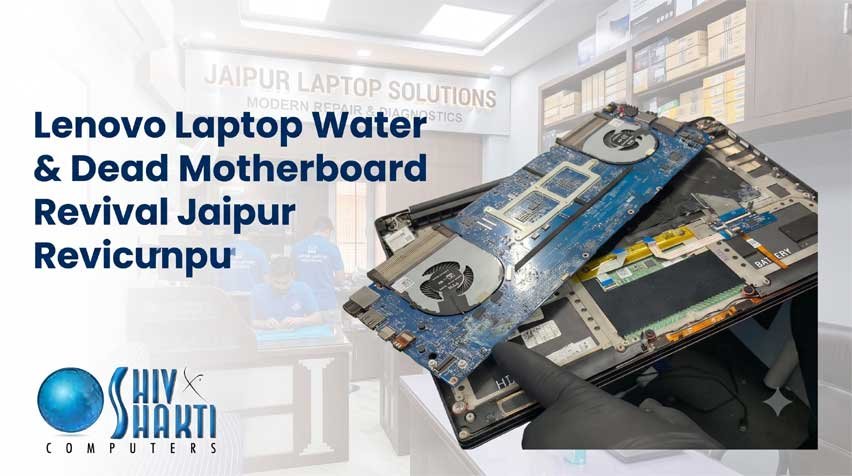
Finding an emergency facility capable of handling Lenovo Laptop Water Damage Repair & Dead Motherboard Revival Jaipur is your single best chance of rescuing the system. Rather than resigning yourself to an exorbitant mainboard replacement quote or waiting weeks for generic factory logistics, our independent engineering station provides rapid, component-level intervention. We specialize in deep ultrasonic decontamination, power-rail tracing, and microscopic component replacement to revive machines declared completely lifeless by standard retail outlets.
Technical Emergency Support Corridors Across Jaipur
When moisture enters a laptop, every passing hour counts toward preventing irreversible copper trace oxidation. To ensure rapid access to emergency diagnostic benches, our local service infrastructure seamlessly covers Jaipur’s key residential, commercial, and educational zones.
1. Southern Institutional Corridor: Sitapura, Sidharth Nagar & Pratap Nagar
Students and faculty residing near educational hubs require immediate emergency access when a spill occurs during study sessions. If an accident strikes near campus housing, students can access fast diagnostic triage through our dedicated network, connecting directly with our bench engineers near Pratap Nagar and Sitapura. For those studying near Jagatpura institutions, finding an immediate Lenovo service center near SKIT Jaipur makes the difference between saving a primary system and suffering permanent internal circuit erosion.
2. The Eastern Residential & Academic Sector: Jagatpura & Model Town
Dense residential colonies and student hostels around Model Town face unique risks from tabletop drink spills during late-night assignments. If you reside in the eastern sector and require an urgent Lenovo laptop repair Jagatpura drop-off, our technical workstations are equipped to immediately disconnect internal power lines, halt corrosive spread, and perform emergency board-level wash protocols.
3. Central & Suburban Access: C-Scheme, Jawahar Nagar & Raja Park
Our central accessibility ensures that corporate offices, government desks, and retail establishments never have to compromise on rapid tech rescue. If a commercial device suffers liquid ingress near the central business district, clients can quickly coordinate with our team for a Lenovo service center C-Scheme consultation. Similarly, residents seeking assistance in the eastern residential blocks can arrange an immediate drop-off via our Lenovo laptop repair Raja Park desk, or secure reliable diagnostics through our Lenovo laptop service Jawahar Nagar Jaipur support link.
4. University Zone Support: Near JNU University Jaipur & Poornima College
The southern educational perimeter hosts thousands of scholars running intensive simulation software on high-tier notebooks. If your computer shuts down unexpectedly from fluid exposure near campus grounds, you can reach out to our nearby Lenovo center near Poornima College Jaipur for same-day triage, ensuring rapid extraction of academic data and precise hardware recovery.
The Chemistry of Liquid Damage: Why Turning It On Destroys the Board
A common, catastrophic mistake users make after a liquid spill is attempting to turn the notebook back on to “check if it still works,” or burying it in uncooked rice. Understanding the electro-chemical reality of modern computer architectures explains why this behavior guarantees motherboard failure.
1. The Fallacy of the “Rice Trick”
Raw rice absorbs minimal ambient moisture from air, but it cannot penetrate the tightly sealed internal chassis of a modern laptop. More importantly, rice leaves behind fine starch dust that enters the cooling assembly, gums up the fan bearings, and forms a sticky paste with the liquid already inside the laptop. While the outer casing may appear dry after twenty-four hours, moisture remains trapped underneath surface-mount chips and BGA (Ball Grid Array) processors.
2. Electrolysis and Accelerated Corrosion
Water is rarely pure when it enters a laptop; it carries minerals, sugars, and acids. When power remains active—even from a dormant internal lithium-ion battery—an electrical current flows through these liquid bridges. This causes rapid electrolysis. The copper traces printed inside the multi-layer circuit board literally dissolve, turning into green-blue cupric hydroxide salts. Once an internal trace layer dissolves inside a 10-layer PCB, the motherboard is rendered permanently unfixable.
3. Immediate Triage Checklist: What to Do in the First 60 Seconds
If liquid spills onto your keyboard or chassis, execute the following steps immediately:
-
Force Immediate Shutdown: Do not click “Shut Down” through the start menu. Press and hold the physical power button firmly for 10 full seconds until all status lights vanish instantly.
-
Disconnect Wall Power: Yank the AC power adapter plug out of the side of the machine immediately.
-
Invert the Machine (“Tent Mode”): Carefully open the screen lid to roughly 90 degrees and place the laptop upside down on a dry towel like a tent. This gravity method pulls liquid toward the keyboard deck and away from the delicate motherboard beneath.
-
Do Not Shake the Device: Shaking the chassis splashes standing pools of water from harmless plastic areas directly onto unshielded power-supply rails.
-
Seek Component-Level Help Immediately: Bring the unit to an equipped engineering bench before drying fluids crystallize and corrode copper tracks.
Step-by-Step Motherboard Revival Protocol
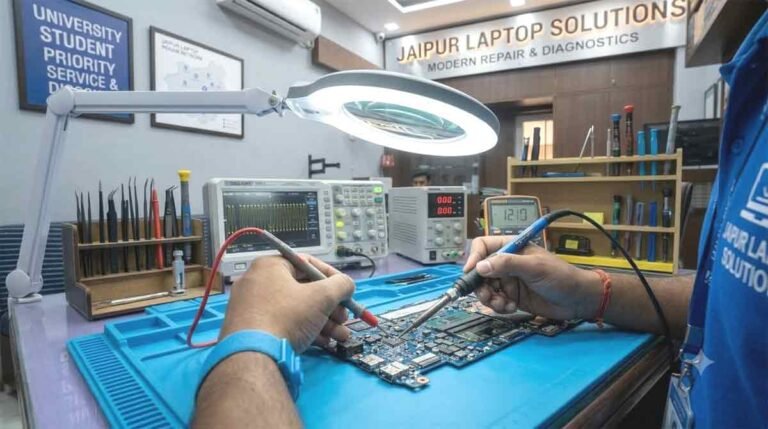
Reviving a water-damaged computer is a precise laboratory operation requiring specialized chemical compounds, micro-soldering stations, and thermal diagnostic cameras. At our main facility, we follow a rigorous five-stage decontamination and repair process.
Phase 1: Disassembly and Battery Disconnection
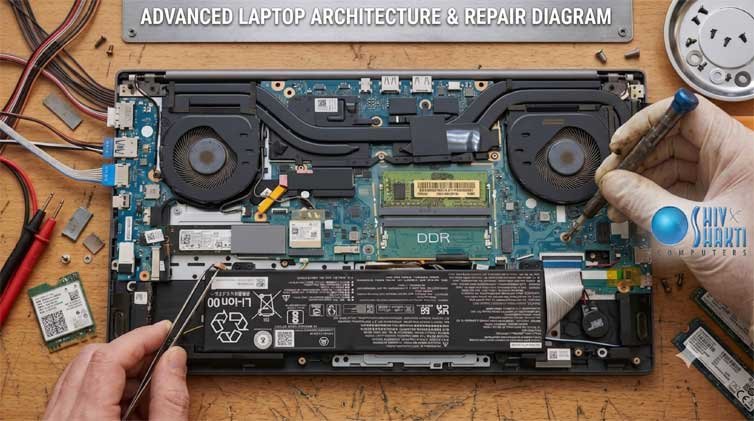
The first physical action our technicians take is removing the lower D-cover and disconnecting the main internal battery connector. Even when a laptop appears turned off, modern motherboards continuously maintain standby power rails (usually +3.3V and +5V Always-On rails). Severing the battery link halts active electrolysis immediately.
Phase 2: Ultrasonic Chemical Bath Decontamination
Wiping a board with cotton swabs only cleans surface grime; it cannot reach underneath micro-BGA chips where surface tension pulls moisture. We submerge the completely stripped logic board into an industrial ultrasonic cleaning tank filled with specialized electronics cleaning solvent and pure anhydrous isopropyl alcohol ($99.9\%$). Ultrasonic sound waves create microscopic cavitation bubbles that implode against the board surface, gently scrubbing away mineral deposits, sugars, and corrosion products from beneath integrated circuits without damaging delicate silicon dies.
Phase 3: Industrial Oven Dehydration
Following the chemical bath, the board is placed inside a temperature-controlled dehydration oven. The motherboard is gently baked at $65^\circ\text{C}$ to $70^\circ\text{C}$ for several hours. This controlled thermal process evaporates all remaining solvents from underneath dense surface-mount components, leaving the circuit board completely bone-dry and free from moisture traps.
Phase 4: Thermal Imaging and Short-Circuit Tracing
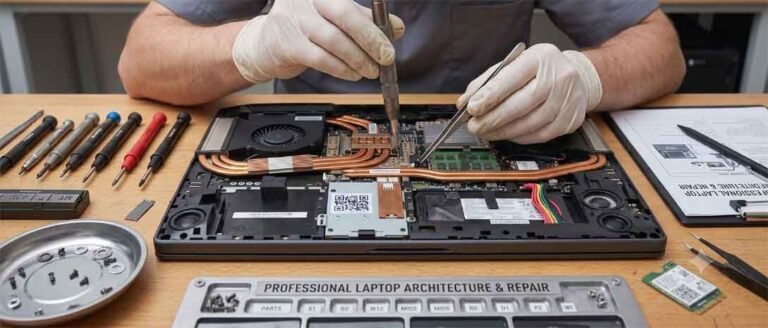
Once the board is completely clean and dry, our technicians inspect it under a high-magnification stereomicroscope to identify eaten-away copper traces or corroded solder balls. The board is then connected to a stabilized DC bench power supply with current-limiting protection. Using a high-resolution thermal imaging camera, we scan the board for hot spots. A shorted ceramic capacitor or blown power MOSFET will instantly light up under thermal imaging, allowing us to pinpoint microscopic faults within minutes.
Phase 5: Micro-Soldering and Circuit Reconstruction
Damaged components are desoldered using precision hot-air reworking wands. If copper pads have been corroded away by electrolysis, our engineers jump the broken traces using insulated micro-enameled jumper wire (thinner than a human hair) and seal the repair using UV-curable solder mask. Fused MOSFETs, PWM controller chips, and buck converters are replaced with OEM-grade matching components, restoring factory electrical parameters across all power rails.
Common Non-Spill Laptop Failures and Board-Level Remedies
While liquid ingress represents the most catastrophic hazard, daily wear and electrical instability generate numerous subtle hardware failures that require board-level diagnostics.
1. Power Delivery and Charging Failures
When an adapter is plugged in, the power management chip monitors the voltage and talks to the battery. If an electrical surge damages the primary charging circuit, the laptop may refuse to turn on, or it may exhibit software-level battery freezes. In instances where the power icon indicates a Lenovo laptop plugged in not charging fix is needed, the issue may stem from an expired battery threshold profile or a failed current-sensing resistor along the charging rail. Our technicians isolate whether the issue requires a software driver reset or a micro-soldering swap of the charging controller IC.
2. Internal Display Signal Disconnections
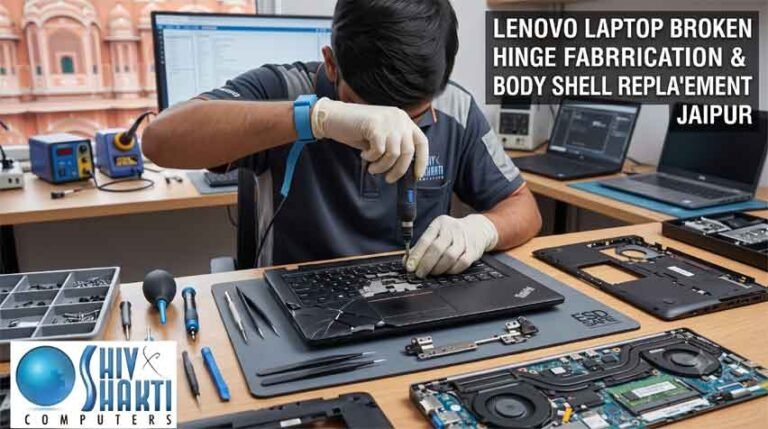
Laptops subjected to frequent hinge adjustments can develop erratic display behavior. If a screen flickers, shows distorted horizontal bands, or cuts out at specific angles, a dedicated Lenovo display light flickering repair is required. Technicians evaluate whether the flexible Embedded DisplayPort (eDP) cable has frayed inside the hinge assembly, or if the backlighting step-up converter on the motherboard has suffered an intermittent ground fault.
3. Thermal Breakdown in Heavy Gaming Notebooks
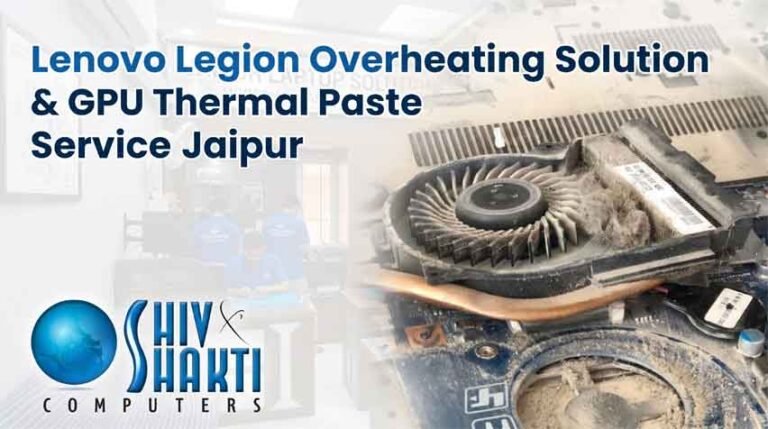
High-performance machines draw significant wattage across their graphics cores. Over time, heat-pipe radiators clog with fibrous dust, and factory paste dries into a chalky layer. This triggers violent thermal throttling, loud fan noise, and sudden shutdowns during load. Complete thermal restoration requires removing old compound, clearing all radiator fins, and applying premium non-conductive thermal interface material to protect the main processor dies from heat degradation.
Technical Hardware Inventory & Service Coverage
Our facility maintains a dedicated component library, allowing us to source rare power management ICs, clock generators, and charging chips for out-of-warranty machines without enduring long factory back-order delays.