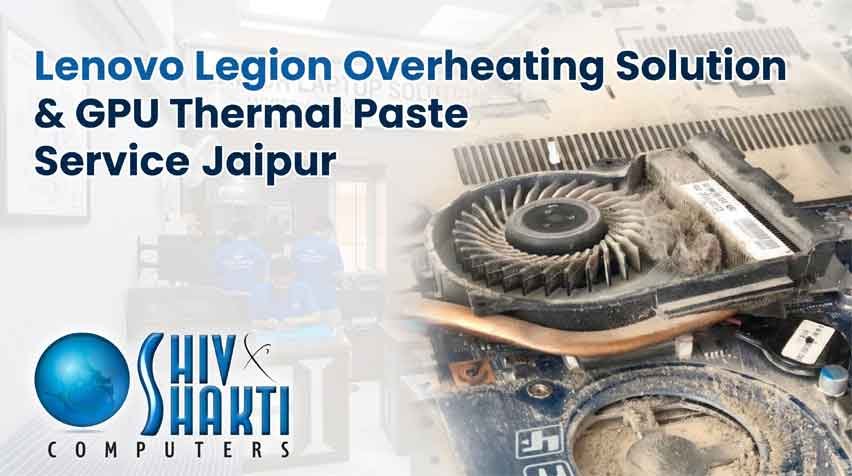
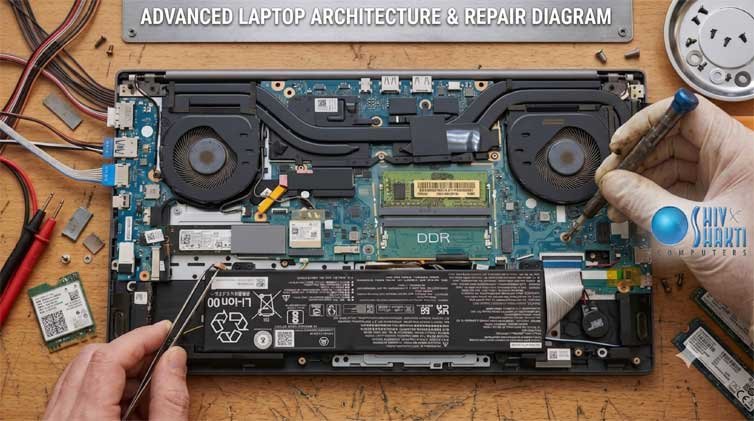
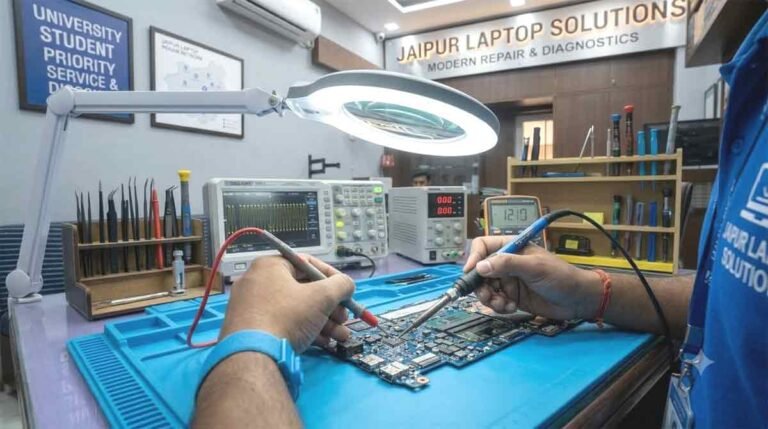
Intense frame rate plunges, thermal throttling, howling exhaust fans, and sudden shut-offs during high-load render pipelines or competitive esports sessions signal a severe thermal dissipation bottleneck. High-wattage silicon dies operating within tight notebook chassis demand uncompromised convective airflow and precise phase-change heat conduction. When the factory thermal interface material turns chalky and dense lint mats blanket copper exhaust radiators, dedicated intervention through our specialized Lenovo Legion Overheating Solution & GPU Thermal Paste Service Jaipur becomes critical.
Our engineering bench provides high-level hardware maintenance for gaming enthusiasts, 3D artists, architectural rendering professionals, and visual effects animators across Jaipur. Instead of temporary software undervolting or surface cleaning, we conduct full vapor-chamber and heat-pipe overhauls, microscopic dust extraction, and high-performance non-conductive phase-change interface replacements to restore thermal equilibrium and lock in sustained boost clocks.
Regional Performance Support Across Key Jaipur Zones
To deliver rapid thermal maintenance and emergency chip-level diagnostics across the city, our technical dispatch network supports the major academic, residential, and corporate hubs of the Pink City.
1. The Institutional & Engineering Belt: Sitapura, Pratap Nagar & Sidharth Nagar
Performance laptops utilized by computer engineering, AI development, and multimedia design students undergo continuous, heavy multi-threaded workloads. If high internal temperatures threaten your machine during semester deadlines, our southern dispatch provides prompt thermal triage. For students studying close to the eastern academic perimeter, visiting an established Lenovo service center near SKIT Jaipur guarantees that cooling impellers and voltage regulators are meticulously restored.
2. High-Density Residential Sectors: Jagatpura & Model Town
Intensive competitive gaming and 4K video rendering demand reliable cooling stability. When your system starts lagging or shutting off under heavy load in eastern Jaipur, securing a Lenovo laptop repair Jagatpura appointment provides on-site fan bearing maintenance and high-end thermal compound repasting. We also extend comprehensive coverage to residential quarters near Model Town and Sidharth Nagar.
3. Central & Eastern Commercial Zones: C-Scheme, Raja Park & Jawahar Nagar
Creative agencies, architecture studios, and corporate workstations based in central Jaipur require uninterrupted GPU computing power. If your production machine overheats, schedule a priority consultation via our Lenovo service center C-Scheme desk. In the eastern commercial sectors, clients can drop off systems at our Lenovo laptop repair Raja Park branch or arrange rapid maintenance via our Lenovo laptop service Jawahar Nagar Jaipur channel.
4. Southern Campuses: Near JNU University Jaipur & Poornima College
Engineering labs and residential hostels near Sitapura Industrial Area run high-stress simulation software daily. When extreme processor heat triggers performance throttling on campus, students can visit our facility located as a Lenovo center near Poornima College Jaipur for rapid cooling assembly rehabilitation and thermal pad replacements.
The Thermodynamics of Modern Laptop Overheating
Modern multi-core processors and high-TGP graphics modules operate on tight automated boosting algorithms. Silicon chips continuously evaluate temperatures, pushing core clock frequencies until they hit thermal ceilings (often 95°C to 105°C on the CPU and 86°C on the GPU). Understanding why your cooling mechanism fails clarifies why basic surface spray-dusters fail to solve the issue.
1. The “Pump-Out” Effect and Compound Desiccation
Consumer cooling pastes rely on liquid silicone vehicles suspending metal-oxide micro-particles. The intense thermal expansion cycles between idle state (40°C) and full load (95°C) generate mechanical pressure differences between the bare silicon die and the copper heat plate. This cycle forces low-viscosity paste outward toward the edges—a mechanical breakdown known as thermal “pump-out.” The residue left behind dries into an insulative crust, preventing heat transfer into the heat pipes.
2. The Internal Lint-Felt Blanket
Laptop blower fans draw air from the chassis underside, pulling in fine room dust, pet dander, and clothing fibers. Centrifugal force pushes these particles toward the radiator’s interior face. Because modern gaming laptops use tightly spaced copper cooling fins (often under 0.2mm apart), fibrous dust cannot escape. It builds into a dense, felt-like blanket across the inner radiator vents. Air blown by the fan bounces back inside rather than exhausting out, baking the motherboard in trapped heat.
3. VRM and VRAM Thermal Pad Degradation
Dedicated GPUs require stable, high-amperage power from multi-phase voltage regulator modules (VRMs) and video memory chips (GDDR6). Manufacturers bridge the gap between these uneven components and the main heatsink using soft thermal pads or viscous thermal putties. Over continuous high-temperature cycles, low-quality factory pads bleed silicone oil, turn brittle, or tear during improper disassemblies, causing memory errors, game crashes, and system freezes.
Detailed Step-by-Step Thermal Overhaul Protocol
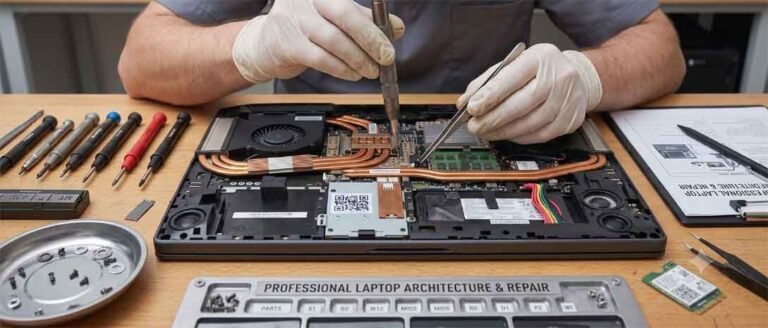
Reviving high-wattage gaming notebooks requires specialized phase-change interface compounds, electrostatic discharge (ESD) protection, and millimeter-accurate thermal gap measurements. We implement a six-phase structural thermal overhaul.
Phase 1: Baseline Thermal Telemetry & Acoustic Profiling
Before physical teardown, we run synthetic stress loads (AIDA64 and FurMark) to log per-core temperatures, fan tachometer readings, power limits (PL1/PL2), and thermal throttling deltas across individual processor cores. This establishes an empirical baseline to measure the effectiveness of the overhaul.
Phase 2: Chassis Disassembly and Power Rail Isolation
The notebook is opened using anti-static pry tools within an ESD-safe workbench environment. The internal battery bus connector is disconnected immediately to prevent short-circuiting live power rails. Residual charge within primary board capacitors is grounded before any heatsink screws are loosened.
Phase 3: Blower Assembly & Radiator Micro-Fin Decontamination
The cooling module—whether a multi-copper pipe layout or an integrated vapor chamber—is carefully separated from the motherboard. The fan impellers are removed from their housings, static lint blankets are stripped from the radiator exhaust faces, and the fin arrays undergo pneumatic cleaning to restore unobstructed airflow.
Phase 4: Chemical Solvent Stripping of Silicon Dies
Hardened, dried-out thermal paste is softened using hydrocarbon-free electronics solvent and wiped clean with lint-free micro-fiber swabs. The bare mirror-finish silicon surfaces of the central and graphics processors, along with the nickel-plated copper cold plates, are scrubbed using 99.9% anhydrous isopropyl alcohol until free of microscopic residues.
Phase 5: Application of Phase-Change Thermal Pads or Premium Paste
To permanently prevent compound pump-out, we apply advanced phase-change interface materials, such as Honeywell PTM7950, or high-viscosity, micro-particle thermal pastes (like Thermal Grizzly Kryonaut Extreme or Arctic MX-6). At room temperature, phase-change materials remain solid for precise installation; when silicon temperatures cross 45°C, they melt into a low-resistance liquid layer that displaces all microscopic air pockets between the die and the heatsink. Surrounding VRM MOSFETs and GDDR6 modules are treated with custom-thickness high-conductivity thermal pads or high-grade thermal putty.
Phase 6: Precision Torque-Balanced Reassembly
Uneven mounting pressure causes hot spots and micro-fractures in bare silicon dies. We secure the heatsink using its numbered diagonal tensioning sequence, turning each spring-loaded screw gradually to distribute clamping force evenly across the processor cores.
Diagnosing Complex Hardware Malfunctions Beyond Thermal Clogs
While thermal congestion is the primary cause of sudden frame drops, laptops under sustained heat stress often present secondary electrical and mechanical problems requiring board-level diagnostic skills.
1. Power Delivery Dropouts and Charging State Anomalies
When thermal cycles repeatedly stress the power circuitry, the charging controller IC or voltage divider resistors can drift out of specification. If your battery indicator remains frozen at a set percentage, applying a Lenovo laptop plugged in not charging fix requires identifying whether the condition is caused by a conservation threshold in software or a failing current-sensing resistor on the 19V rail.
2. Micro-Fraying in Display Data Harnesses
Laptops that run hot while closed or under frequent lid articulation can develop display faults. When persistent screen noise or image disruption appears, scheduling a Lenovo display light flickering repair helps isolate whether the embedded DisplayPort (eDP) cable has suffered heat fatigue within the hinge channel, or if the panel’s internal timing controller is glitching.
3. Cooling Fan Bearing Wear and High-Frequency Whine
Prolonged operation in dusty environments forces cooling fan bearings to grind against foreign particles. When fans make rattling noises or seize, they fail to reach rated RPMs. We clean the fluid dynamic bearings, lubricate them with synthetic micro-bearing oil, or replace the entire impeller assembly to eliminate grinding noises and restore optimal airflow.
Structural Quality and Equipment Standards